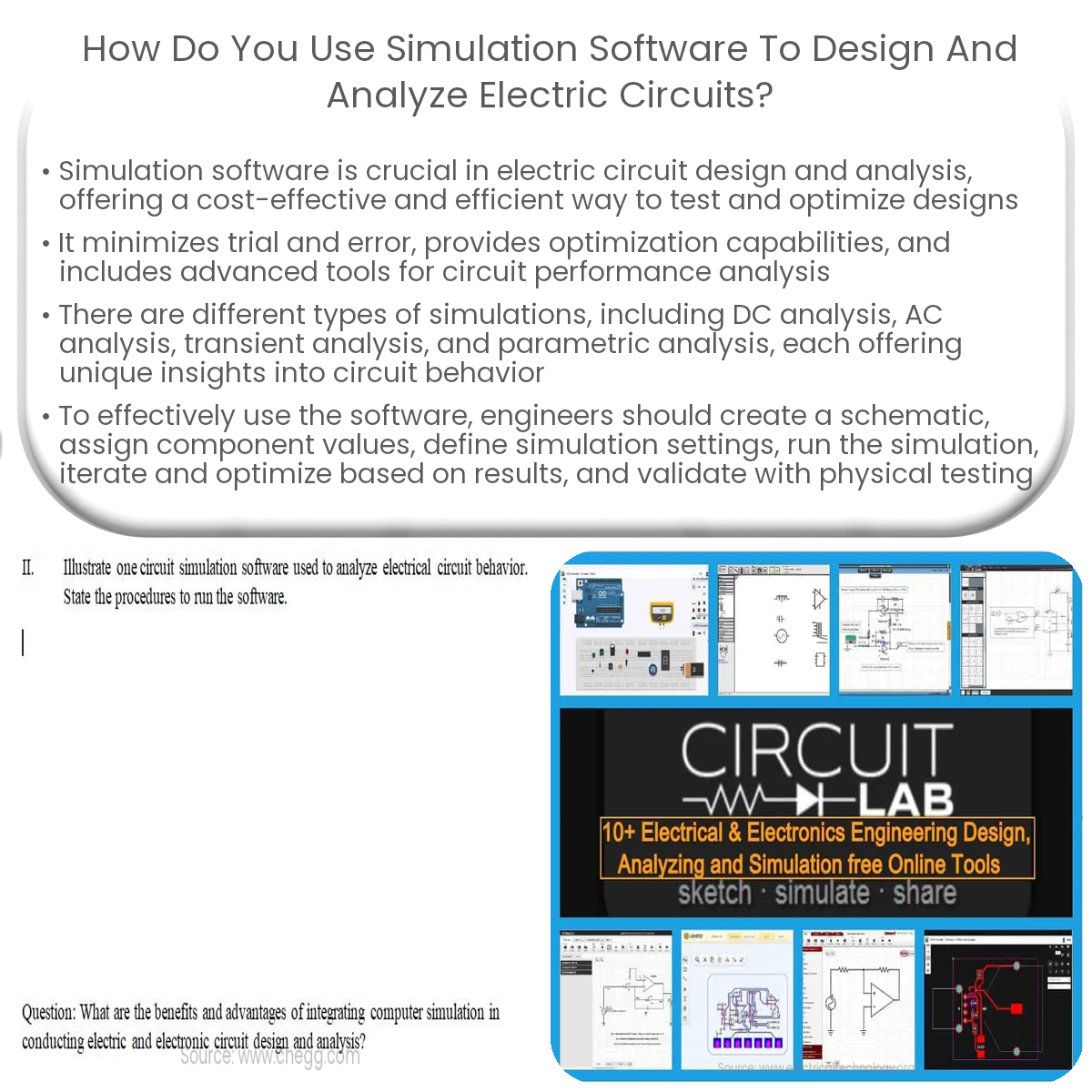
Simulation software helps engineers test and optimize electric circuit designs, identify issues early, and analyze circuit performance efficiently.
Using Simulation Software for Electric Circuit Design and Analysis
Simulation software plays a critical role in the design and analysis of electric circuits, allowing engineers to test and optimize their designs before implementation. In this article, we’ll explore the benefits of using simulation software, the types of simulations available, and how to effectively use these tools in the design process.
Benefits of Using Simulation Software
- Minimizes trial and error: By simulating circuit behavior, engineers can identify potential issues early in the design process, saving time and resources.
- Cost-effective: Using software to test designs is typically less expensive than building physical prototypes.
- Optimization: Circuit performance can be optimized by adjusting component values and configurations in the simulation.
- Analysis tools: Simulation software often includes advanced tools for analyzing circuit performance, such as waveform and frequency-domain analysis.
Types of Simulations
- DC analysis: This type of simulation examines the steady-state response of a circuit to constant voltage and current sources.
- AC analysis: AC analysis simulates the circuit’s response to sinusoidal voltage and current inputs, providing insights into frequency response and phase behavior.
- Transient analysis: Transient simulations model the circuit’s time-domain response to changing inputs, such as voltage or current pulses.
- Parametric analysis: Parametric simulations allow engineers to explore the impact of varying component values on circuit performance.
Using Simulation Software Effectively
To get the most out of simulation software for electric circuit design and analysis, follow these steps:
- Create a schematic: Start by designing the circuit in the software’s schematic editor, adding components and interconnecting them as needed.
- Assign component values: Enter the appropriate values for resistors, capacitors, inductors, and other components in the circuit.
- Define simulation settings: Choose the type of simulation and configure any necessary settings, such as frequency range for AC analysis or simulation duration for transient analysis.
- Run the simulation: Execute the simulation and review the output, paying close attention to any unexpected behavior or performance issues.
- Iterate and optimize: Make adjustments to component values or circuit topology based on the simulation results, and repeat the process until the desired performance is achieved.
- Validate with physical testing: Once the simulation results are satisfactory, build a physical prototype and validate the design through real-world testing.
In conclusion, simulation software is an invaluable tool for designing and analyzing electric circuits. By using these tools effectively, engineers can optimize their designs, reduce development time, and ultimately create more efficient and reliable electronic systems.