
Explore the world of Wi-Fi routers, their types, standards, advanced features, security aspects, and maintenance tips for optimal performance.
Understanding Wi-Fi Routers: The Gatekeepers of Digital Connectivity
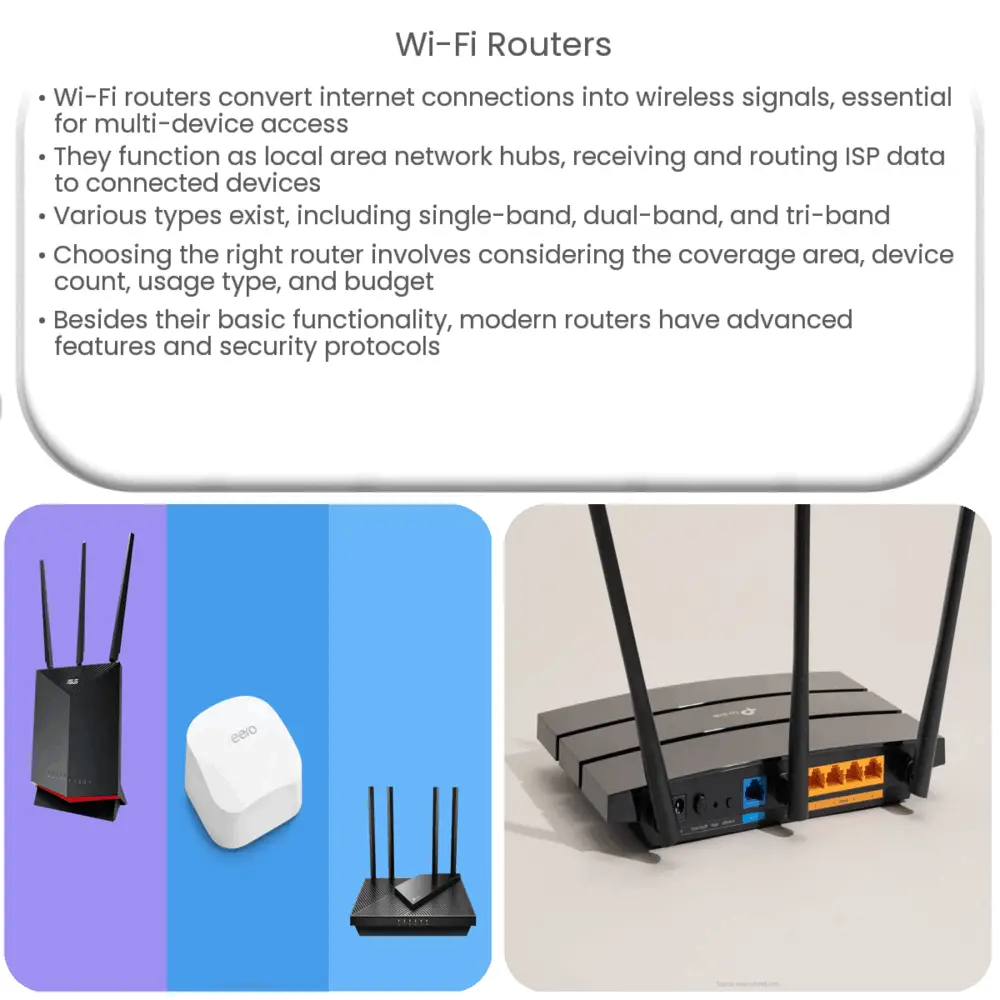
A Wi-Fi router is an essential component in the digital world, acting as the cornerstone of every home or office network. It is the device that takes your internet connection and turns it into a wireless signal, allowing multiple devices to connect to the internet concurrently. The need for robust, reliable Wi-Fi routers has become more pertinent as we rely heavily on internet connectivity for various daily tasks.
How Wi-Fi Routers Work
Essentially, a Wi-Fi router serves as the hub of your local area network (LAN), receiving data from your Internet Service Provider (ISP) and routing it to devices connected to the network. This process is carried out through a combination of hardware and software processes. A built-in modem connects to the ISP, while the router’s processor (CPU) and memory manage the data flow. Wireless radios then transmit the data over the airwaves.
Types of Wi-Fi Routers
Wi-Fi Standards
Wi-Fi routers also adhere to specific standards set by the Wi-Fi Alliance, denoted by a series of numbers and letters such as 802.11a, 802.11b, 802.11g, 802.11n, 802.11ac, and the latest, 802.11ax (also known as Wi-Fi 6). These standards dictate the router’s capabilities, including its maximum speed, range, and frequency. For instance, the 802.11ac standard operates exclusively on the 5 GHz band and offers speeds up to 1,300 Mbps, while the newer 802.11ax standard can operate on both 2.4 GHz and 5 GHz bands, supporting speeds up to 10 Gbps.[1]
Considerations When Choosing a Wi-Fi Router
Several factors should be taken into account when selecting a Wi-Fi router. These include the size of the area to be covered, the number of devices that will connect to the router, the types of activities you intend to do (streaming, gaming, video conferencing, etc.), and your budget. These considerations will dictate the type of router and the Wi-Fi standard that will best meet your needs.
Advanced Features of Modern Wi-Fi Routers
In addition to the basic functionality, many modern Wi-Fi routers come with a host of advanced features that can significantly enhance your online experience. Here are some of the noteworthy features:
Security Aspects of Wi-Fi Routers
Given the increasing number of cyber threats, router security has become a paramount concern. Most Wi-Fi routers come with built-in firewalls and support for WPA3, the latest Wi-Fi security protocol. They also have features like MAC address filtering and the ability to disable SSID broadcasting. Some routers even come with advanced security features like VPN support and automatic firmware updates to protect against the latest threats.
Maintaining Your Wi-Fi Router
Like any other electronic device, a Wi-Fi router requires regular maintenance for optimal performance. This includes tasks like updating the firmware, changing the password regularly, and occasionally rebooting the router. It’s also a good practice to check the manufacturer’s website or user forums for any known issues or updates.
Conclusion
As our reliance on internet connectivity continues to grow, the importance of Wi-Fi routers cannot be overstated. These vital devices serve as the linchpin of our home and office networks, enabling a myriad of devices to connect to the internet simultaneously. Understanding how they work, the different types available, their advanced features, and maintenance practices can help you make an informed decision when purchasing a Wi-Fi router and ensure its longevity and optimal performance. Remember, a good Wi-Fi router not only provides a stable and fast internet connection but also contributes significantly to the security of your digital ecosystem.